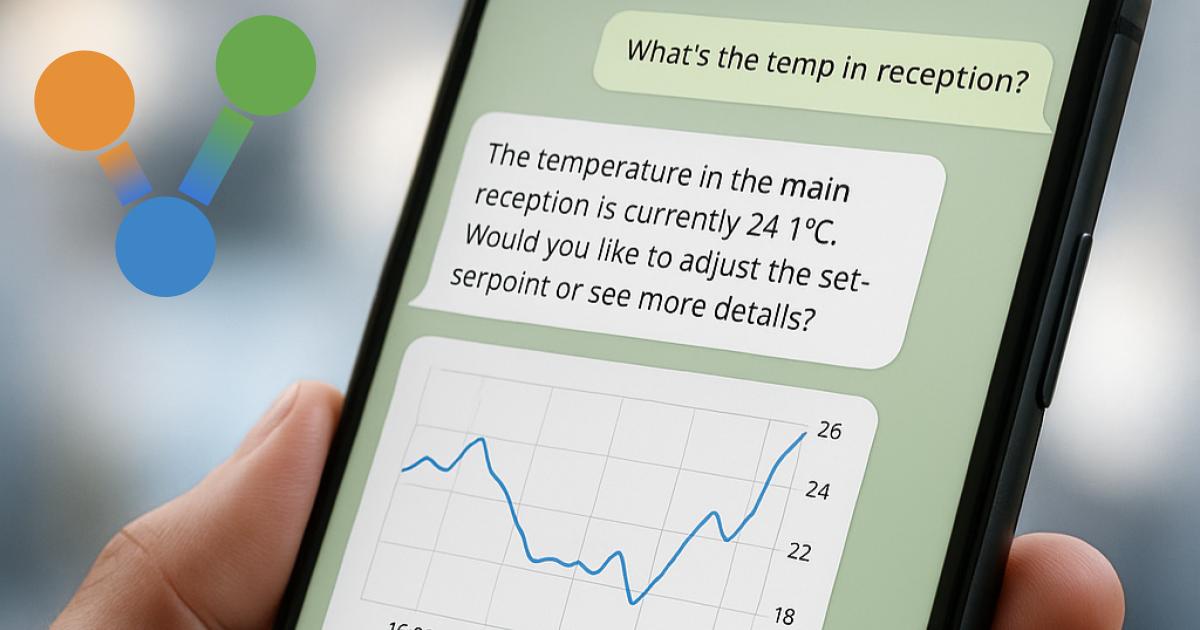
Find the issue
Ask what needs attention. Bring active alarms and relevant live conditions into view.
For facilities teams, engineers and building managers
Diologi helps you find what needs attention, investigate issues and take action. Right from your smartphone.
Designed to work with your existing BMS.
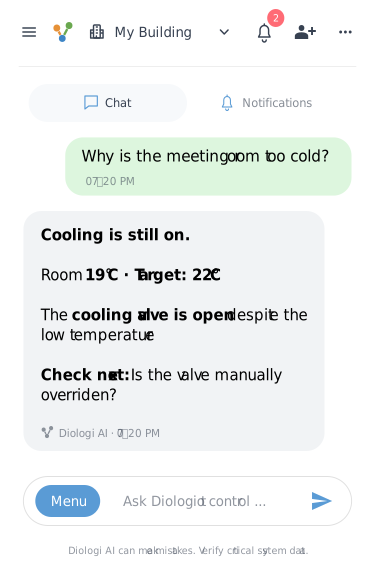
See what needs attention, investigate the cause and confirm a change in one conversation.
From a question to an action
Ask what needs attention. Bring active alarms and relevant live conditions into view.
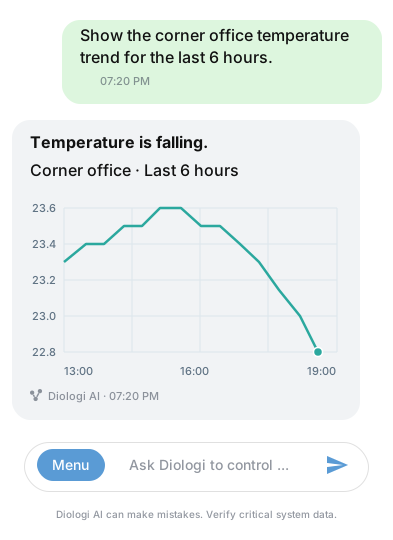
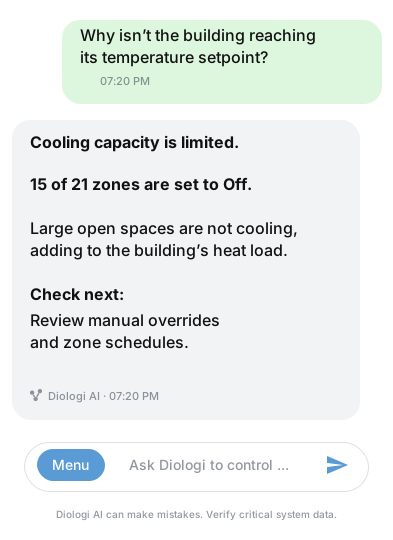
Investigate related readings and trends. Understand what to check next.
Review the actual BMS point and approve a change. Diologi checks the value back.
A green tick means the BMS read-back matches the requested value. The engineer still checks the equipment’s response.
Connect Your Building - Fast.Connect to your existing BMS. Start with the systems that matter to your team.
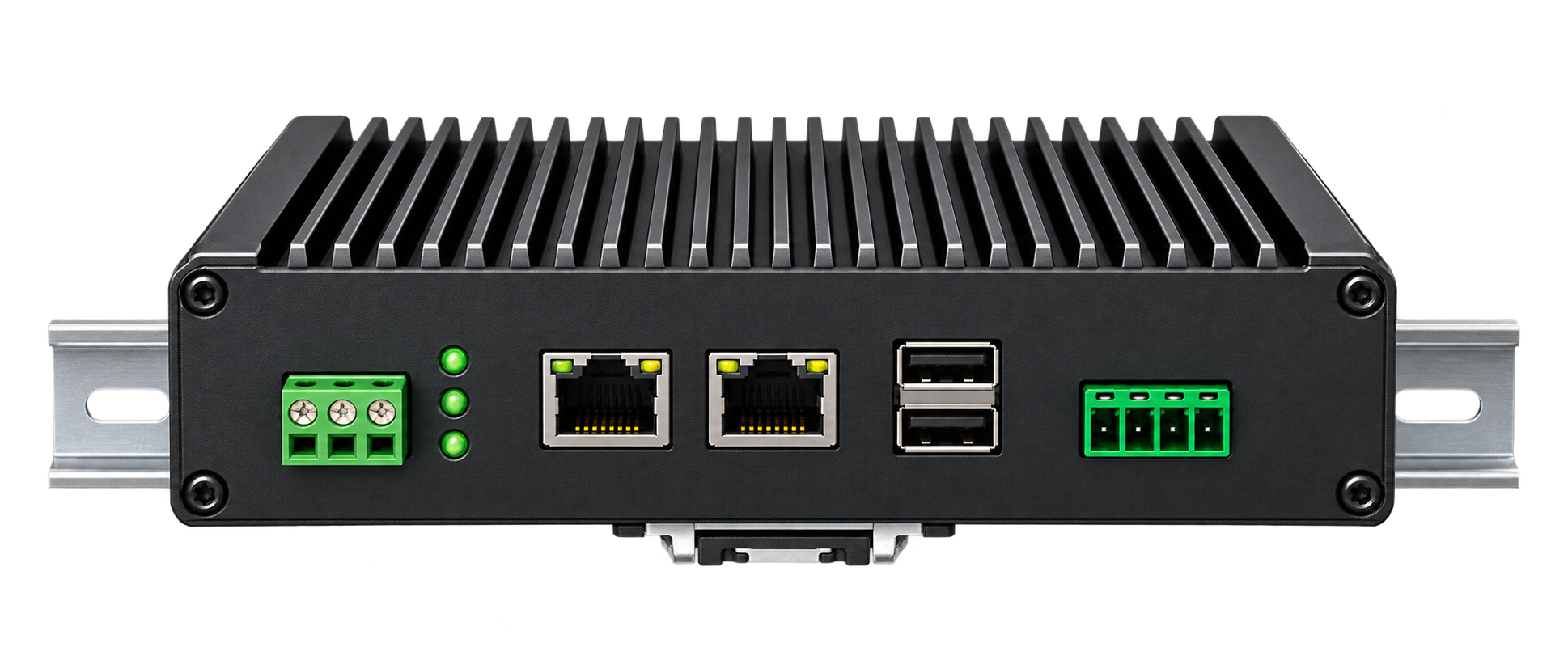
Keep the BMS you already have
The gateway connects your local building system to Diologi’s cloud service. Your team gets a clearer view of the building from a phone or browser.
Building data · Approved commands · Confirmation of updated changes
Get in touch for help with initial configuration or a consultation, at no charge.
info@diologi.comConnect the gateway to a supported BMS network. We review site access and connection requirements with you.
Discover available BACnet points and review names, units and equipment context with remote configuration help.
Check live values and investigate an agreed issue. Enable selected controls for authorised users when the setup is ready.
Big projects don’t have to feel complex. Get a clearer view of what’s happening, even when you’re unfamiliar with the system.
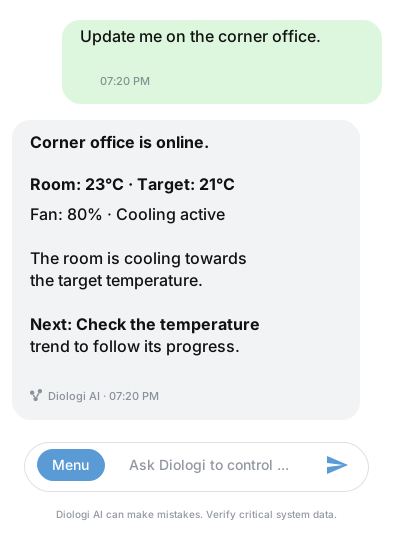
Start with a small pilot to see the benefits. Then scale up and connect more systems.
Subscription pricing depends on point count. We’ll confirm pilot scope, integration requirements and costs with you.